


Blog tools I can’t live without

In a world where almost everyone has a blog it’s more important then ever to take advantage of the blog tools available. Back when I started my blog in 2009 I simply wrote a post, published it then left it to do its thing. Social media was in its infancy and I didn’t really have a promotion schedule. Nowadays it couldn’t be more different, I regularly promote my blog and use a variety of blog tools to keep my blog looking the best it could be. Here’s some of my favourite.

Canva
I first discovered canva after reading about it online. Canva is full of thousands of fantastic templates including infographics, collages, social media templates and so much more. Whilst some of the content is paid, there’s so much free imagery available that you can edit to your hearts content. I love it for collages as it’s so easy to use and pain free. Discover some tips on how to get started with Canva.

Social media
I regularly use social media in order to promote blog posts from Glitz and Glamour Makeup. Twitter and Facebook are great for scheduling daily updates, whilst Instagram and Pinterest focus more on a specific image to promote a post. I regularly interact with others on social media by liking and striking up conversation in order to build friendships and encourage people to visit my blog.
Buffer
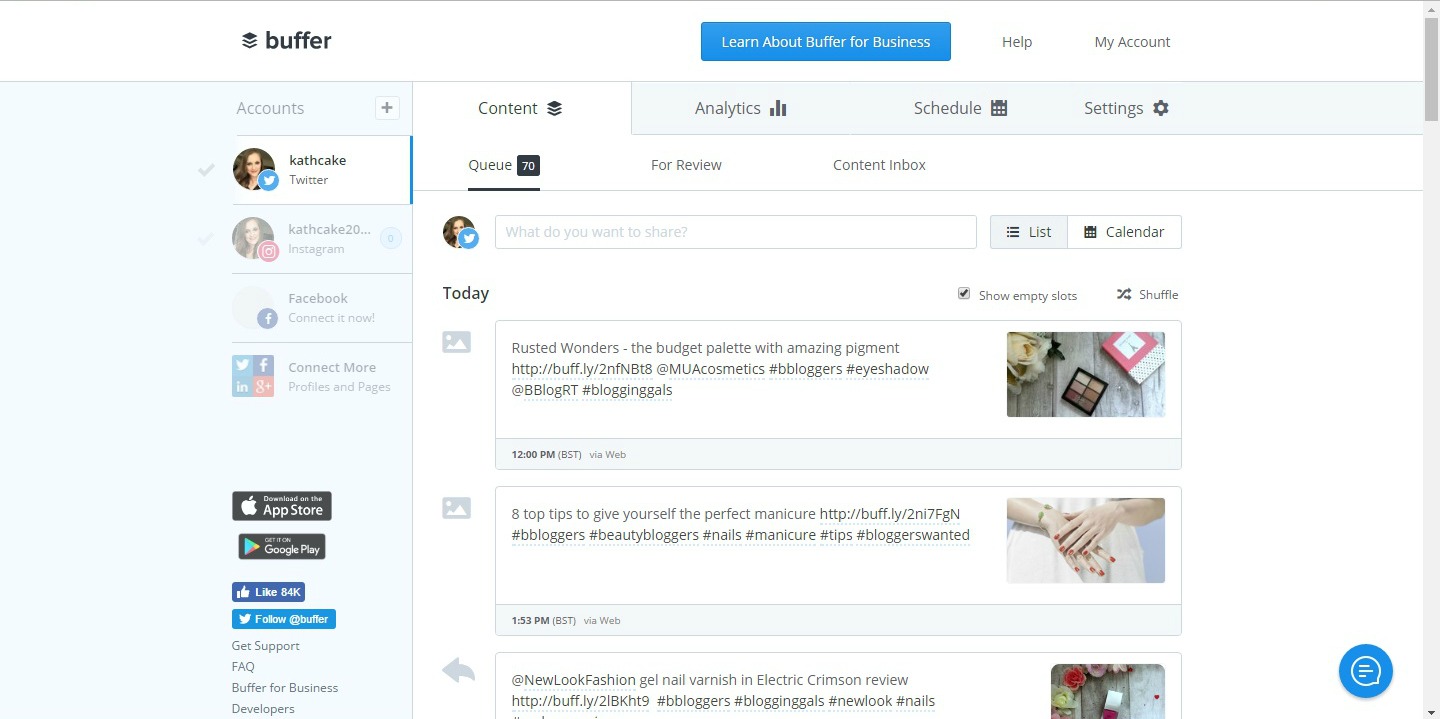
Buffer is one of those blog tools you can’t do without. With Buffer you can schedule your updates onto social media whilst you sleep. You can connect Twitter, Facebook, Instagram, Linkedin and Pinterest pages to schedule your updates. There are free and paid packages and each package comes with different allowances. With a free member you get 10 updates per week, 100 updates for a normal paid membership and 100+ for a business account. I mainly use buffer to schedule Twitter updates as it’s a lot easier then fiddling around with updates on Twitter itself. I did try Instagram but the updates never seem to publish for some reason!
Find out more

Picmonkey
Picmonkey is one of my favourite blog tools for simple photo editing. There is a free and paid version and I do think the free version is a lot more limited than it used to be. I use it mainly for renaming pictures, adding text and putting pictures together.
Find out more
Sniply
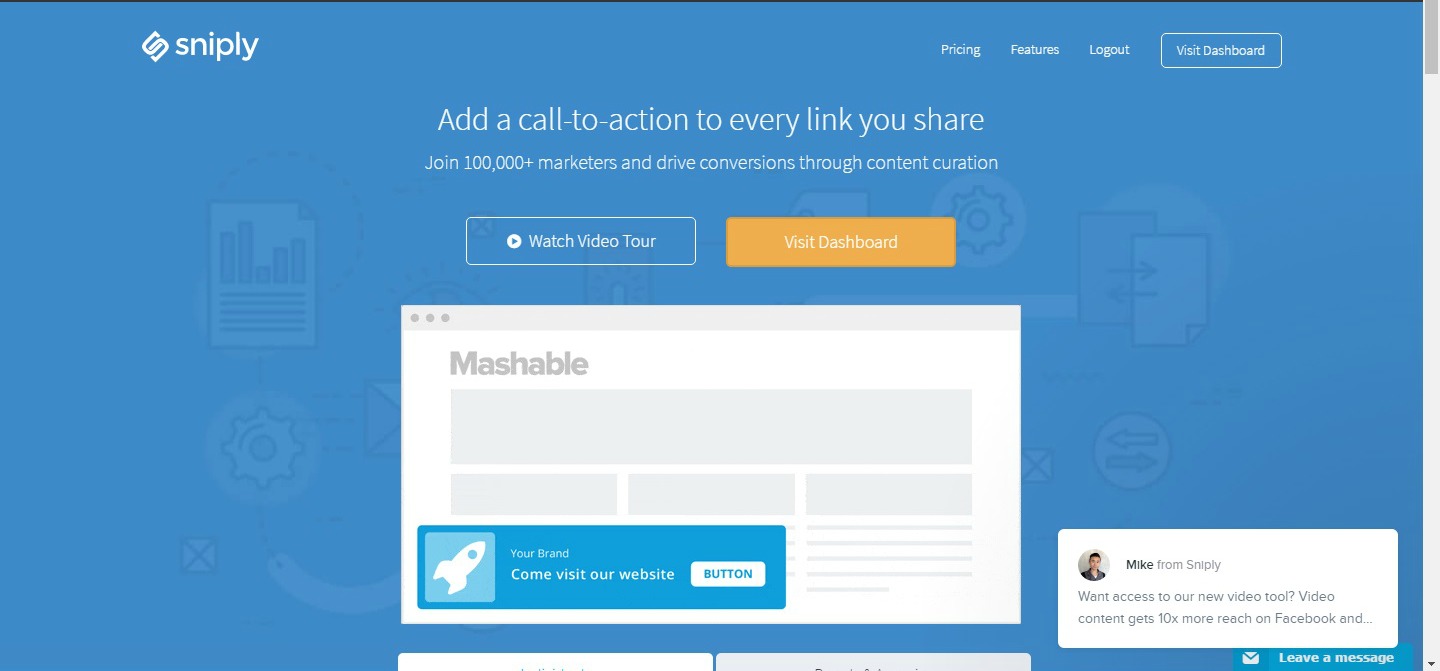
I only discovered Sniply pretty recently. The concept is relatively simple, you share a popular link say about a celebrity and sniply will snip your blog into the link. When the person clicks on the article about the celebrity it will come up with a pop up with your blog on. A great subtle way of getting extra visitors to your site. There is a free package available (1000 clicks) in addition to paid options.
Find out more

Free blog image sites
In the last year I’ve got so much use out of royalty free blog image sites. They’re fantastic for adding great quality pictures to your blogs and there’s no need to credit anyone for their work either. My favourites are Pexels and Pixabay.
These blog tools are all as useful to running my blog as the other and I don’t know what I’d do without them. What are your ultimate blogging tools?


